I’ve always believed that technical skills are only half the equation; the real differentiator is how you manage your tools and communicate through them. That’s what ultimately shapes your professional reputation. Today, I’m excited to unveil two high‑impact mini‑courses designed to help you become a true digital architect. Each course is broken into focused, 30‑minute micro‑lessons, making it easy to level up your skills even on a busy schedule:
In a world of Zoom, Teams, texting and endless email threads, the "unspoken rules" of tech are changing. Are you accidentally "shouting" in your emails? Is your background distracting your clients? This course is your guide to Technology Etiquette. We cover everything from the "Art of the Calendar Invite" to mastering the mute button. It’s about building trust and authority every time you hit "Send" or "Join Meeting.”
There is a very broad scope of what are common forms of Artificial Intelligence offers to the everyday user. Knowing the different AI tools can be very useful to help you compute easier. And with this mini-course, the understand of GPT which is an AI tool can be a great resource for your computing needs.
I will host both courses, and the courses will be broadcasted on YouTube Live. Below will be the link to register for a seat and attached will be the access to the live course; date and time of the events and the web link to my channel:
So, why is it a talk about why these datacenters are in big demand?
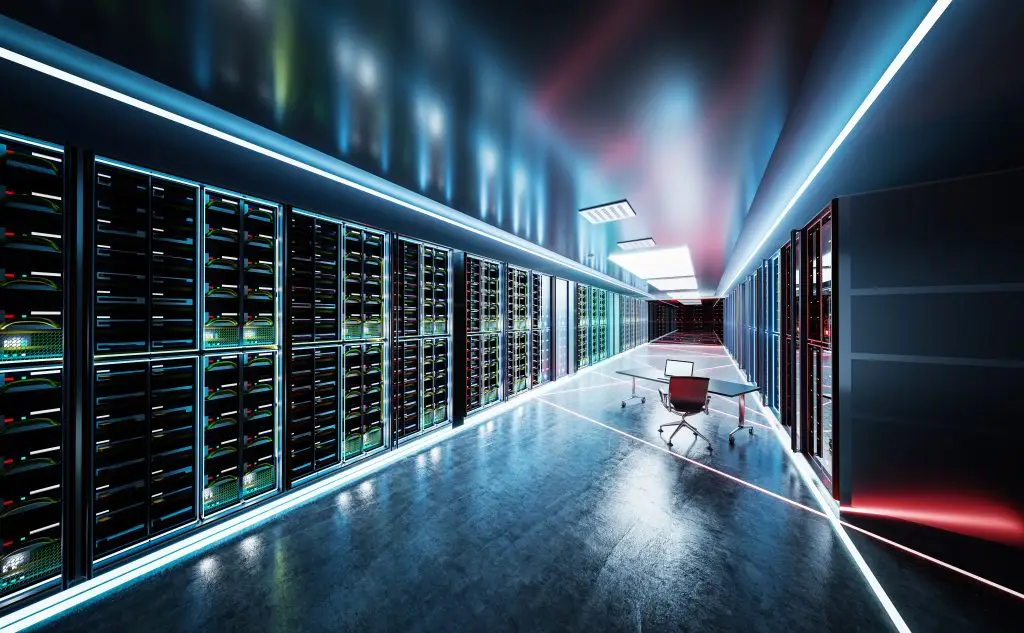
The rapid expansion of datacenter construction in the United States is driven largely by the growing demand for cloud‑based services and the accelerating adoption of artificial intelligence. The same companies that power everyday tools—streaming platforms, productivity suites, and data‑management services—are now building increasingly large and sophisticated facilities to support AI as it becomes woven into daily life.
So, how big is a datacenter and what’s in these datacenters?
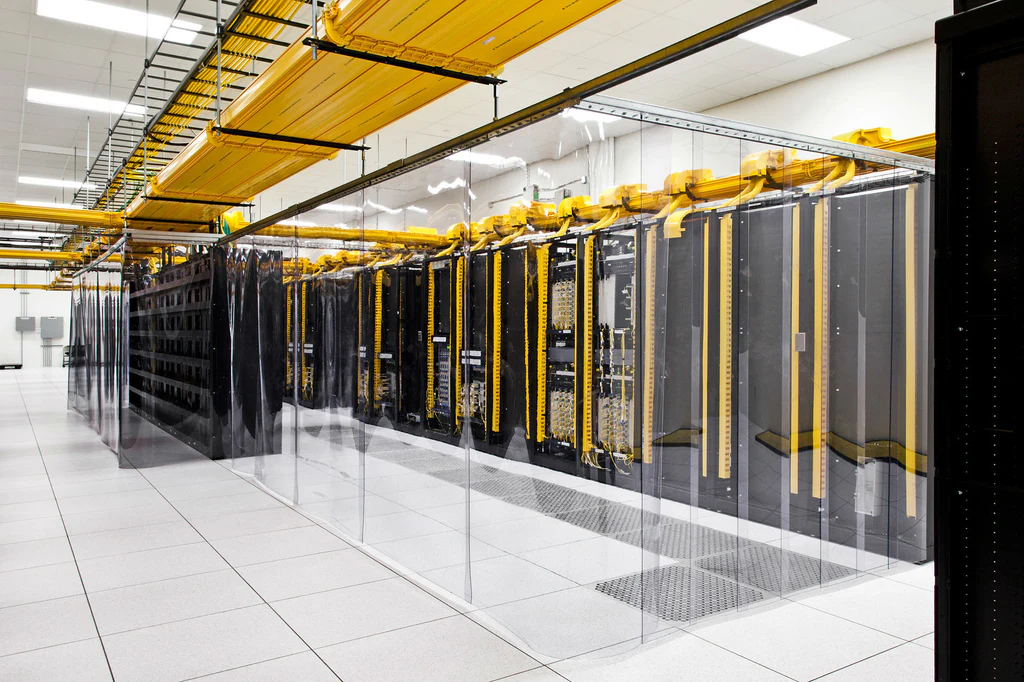
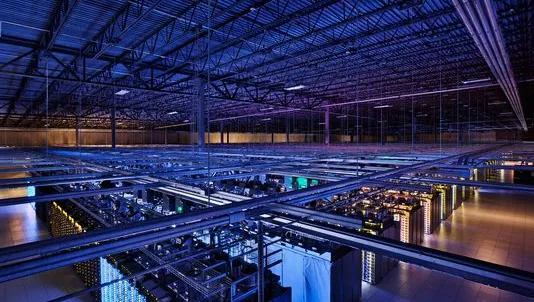
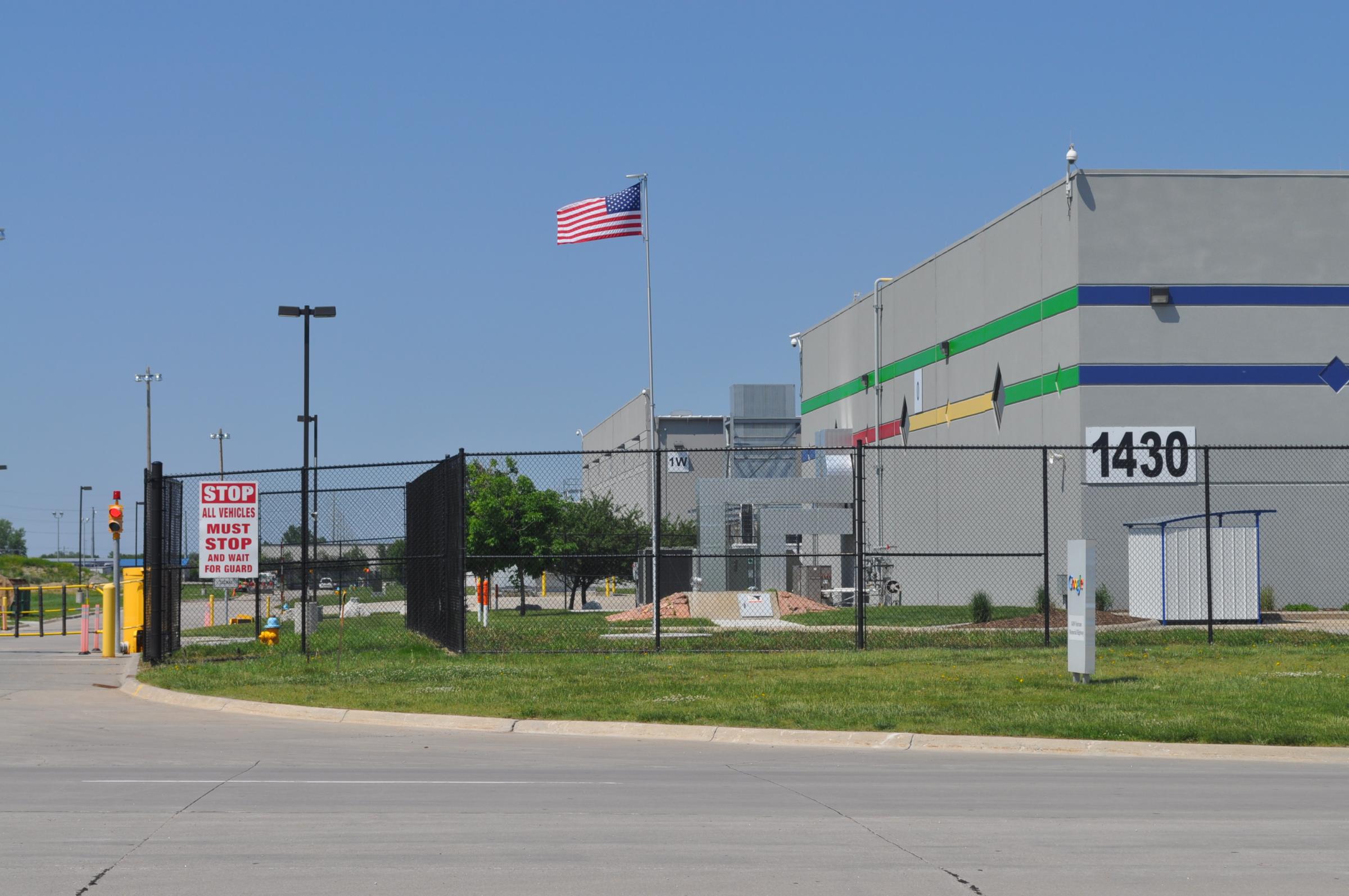
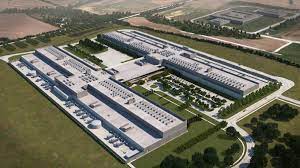
Traditional datacenters average around 100,000 square feet, but modern hyperscale facilities can span up to a third of a square mile, reflecting the massive infrastructure required to support high‑density computing. In the metro Detroit area, just picture the size of the average Tier 2 automotive supplier facility or the size of WCCCD Northwest campus.
Newer datacenter designs prioritize high‑performance computer systems capable of handling intense AI workloads, which require enormous amounts of power, cooling, and natural resources. AI is not only in demand from consumers and businesses but is also being integrated into the datacenters themselves to automate operations, optimize workflows, and perform predictive analysis.
So, why is there such public outrage of not wanting datacenters in there local towns?
This rapid growth has sparked public concern about energy consumption, environmental impact, and pressure on local real estate markets. In some communities, town councils have approved data‑center infrastructure without seeking input from residents, including decisions about energy usage and access to natural water resources. As a result, many people find themselves conflicted: they depend on cloud services for personal and business needs, yet they are uneasy about hosting the very data centers that power those services in their own neighborhoods. As cloud adoption accelerates and AI capabilities expand, the tension between corporate demand and community apprehension will continue to shape the debate.
List of Common Services by AI and Cloud Datacenter Service Provider:
|
Service
|
Service Type
|
Service Provider
|
|---|---|---|
|
YouTube
|
Video Streaming
|
Google
|
|
Netflix
|
Video Streaming
|
Amazon
|
|
ChatGPT
|
Generative Artificial Intelligence
|
nVidia
|
|
iCloud
|
Cloud Data Storage
|
Apple
|
|
Office 365
|
Software / Cloud Storage
|
Microsoft
|
|
Spotify
|
Music Streaming
|
Google
|
|
Zoom
|
Video Conference / Communication
|
Amazon
|

Here are some powerful Windows Tech Tips to help you level up your skills. Many people rely on the cursor because that’s how we first learn to navigate Windows, but keyboard shortcuts offer a faster, more efficient way to work. By incorporating shortcuts into your routine, you can reclaim valuable time and sharpen your overall Windows proficiency:
Windows shortcuts, especially when used together, can dramatically boost your efficiency. They allow you to move through tasks with speed and precision, reducing the need for constant cursor movement. If you’d like to see these tech tips in action — and discover even more — be sure to like and subscribe!
