
Discover a range of courses designed to enhance your computer skills. From beginner-friendly Microsoft applications to more advanced IT topics, our offerings are tailored to meet various learning needs. Dive into practical lessons with real-world examples and hands-on support.
Every month, we dive deep into a high-impact computing topic in a concentrated, 45-minute live session. These aren’t just pre-recorded videos; they are live technical workshops hosted on YouTube Live stream, designed to give you actionable skills you can use immediately.

This mini-course is designed to cover the different AI Tools, including GPTs and how to use

This mini-course is designed to cover proper etiquette when communicating using technology

To ensure a high-quality experience, please follow the instructions below:
Click the Course of the Month button, to choose a course
Sign up for the Quick Sync newsletter, and follow the link for the Course of the Month to choose a course.
Make sure that you: check your email for the invitation, and ensure that your device can access Google Meet, and/or YouTube

This mini-course is designed to utilize AI Tools to create personalized documents
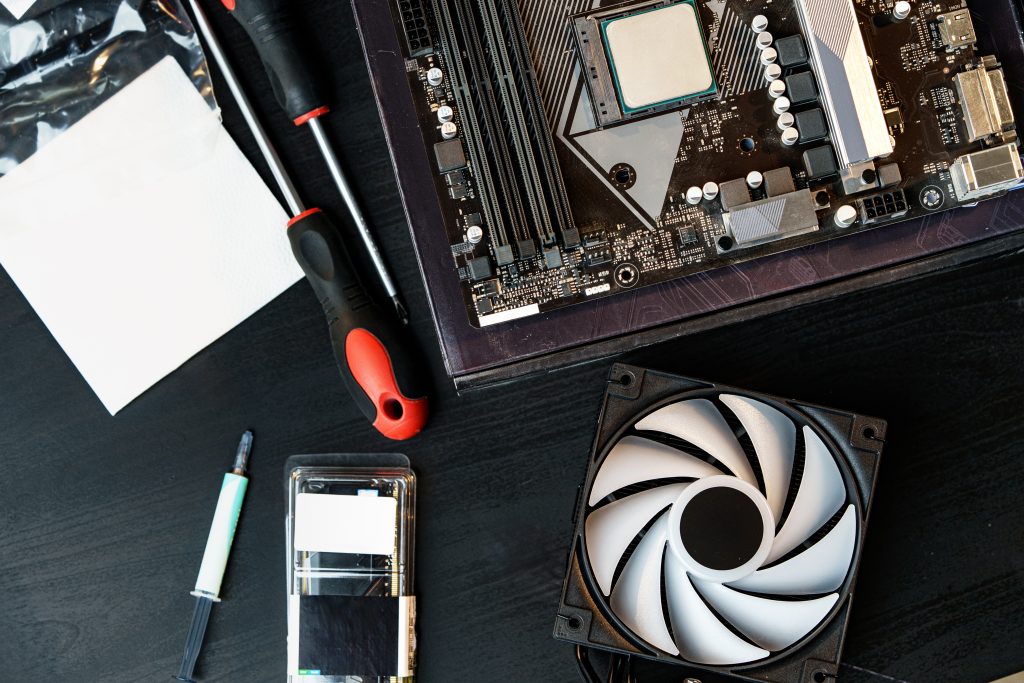
This mini-course is designed to learn how to build a custom-build PC desktop

This mini-course is designed to utilize AI Tools to create a more polished resume
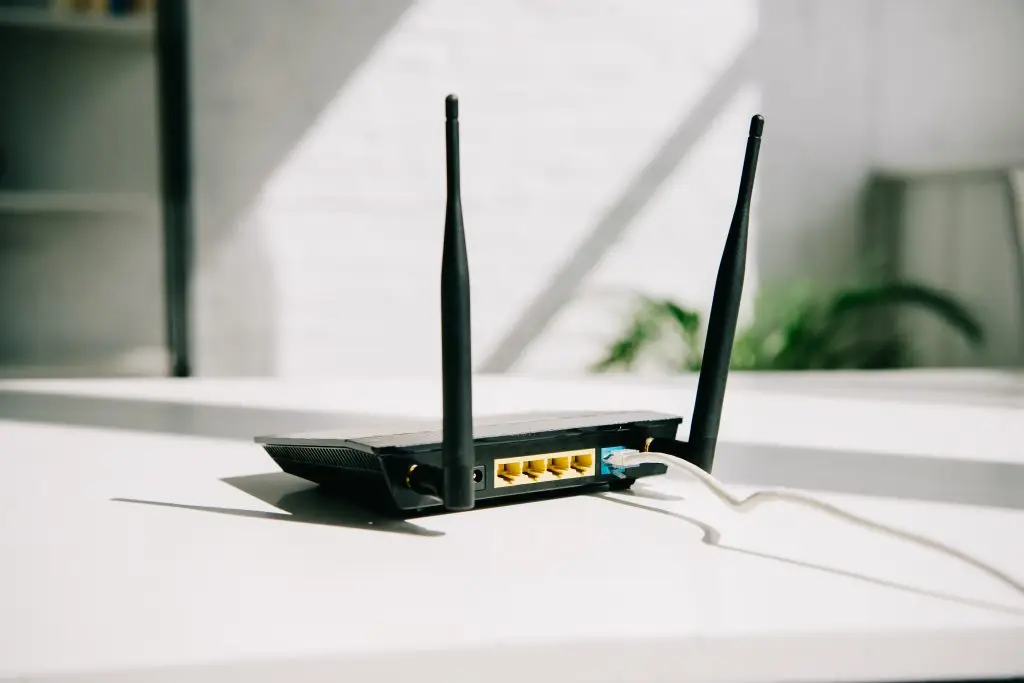
This mini-course is designed to configure and maintain a SOHO wireless internet network

This mini-course is designed to utilize and manage the different email applications

This mini-course is designed to understand, configure and maintain macOS desktops
Subscribe to the newsletter to receive live course announcements, tech news and great information about computing topics.