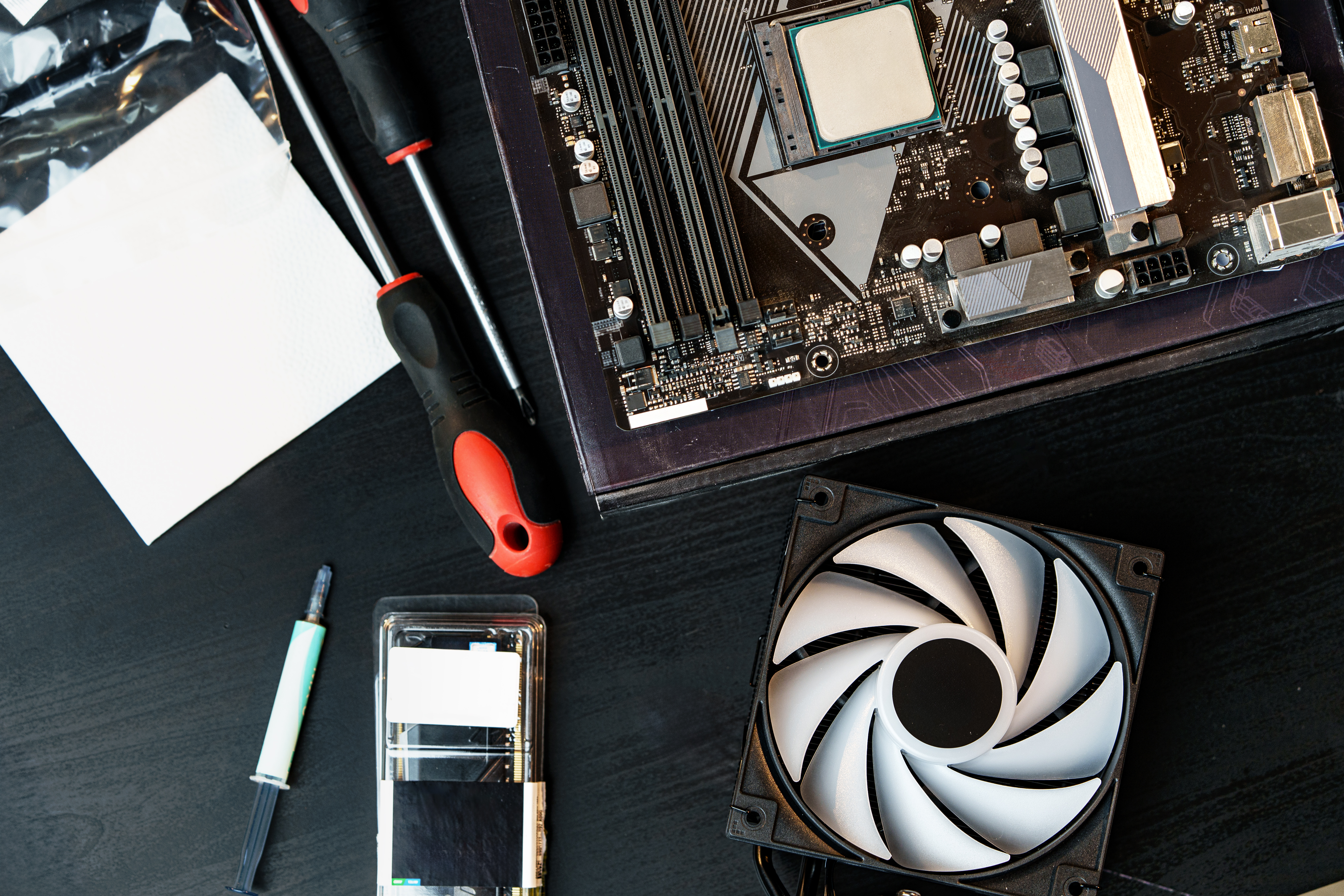
A Calm, Confident Start with a New PC
A new computer should feel exciting, not overwhelming. Start with these essential setup steps to get updates, accounts, privacy, and backups in good shape.
Explore more articles
Helpful how-tos, straight answers, and ideas for feeling more confident with the technology you use every day.
Read the latest post
A new computer should feel exciting, not overwhelming. Start with these essential setup steps to get updates, accounts, privacy, and backups in good shape.
Explore more articlesExplore recent notes and practical guides, listed from newest to oldest.
Make a new computer feel like yours with a few useful updates to privacy, startup apps, and notifications.
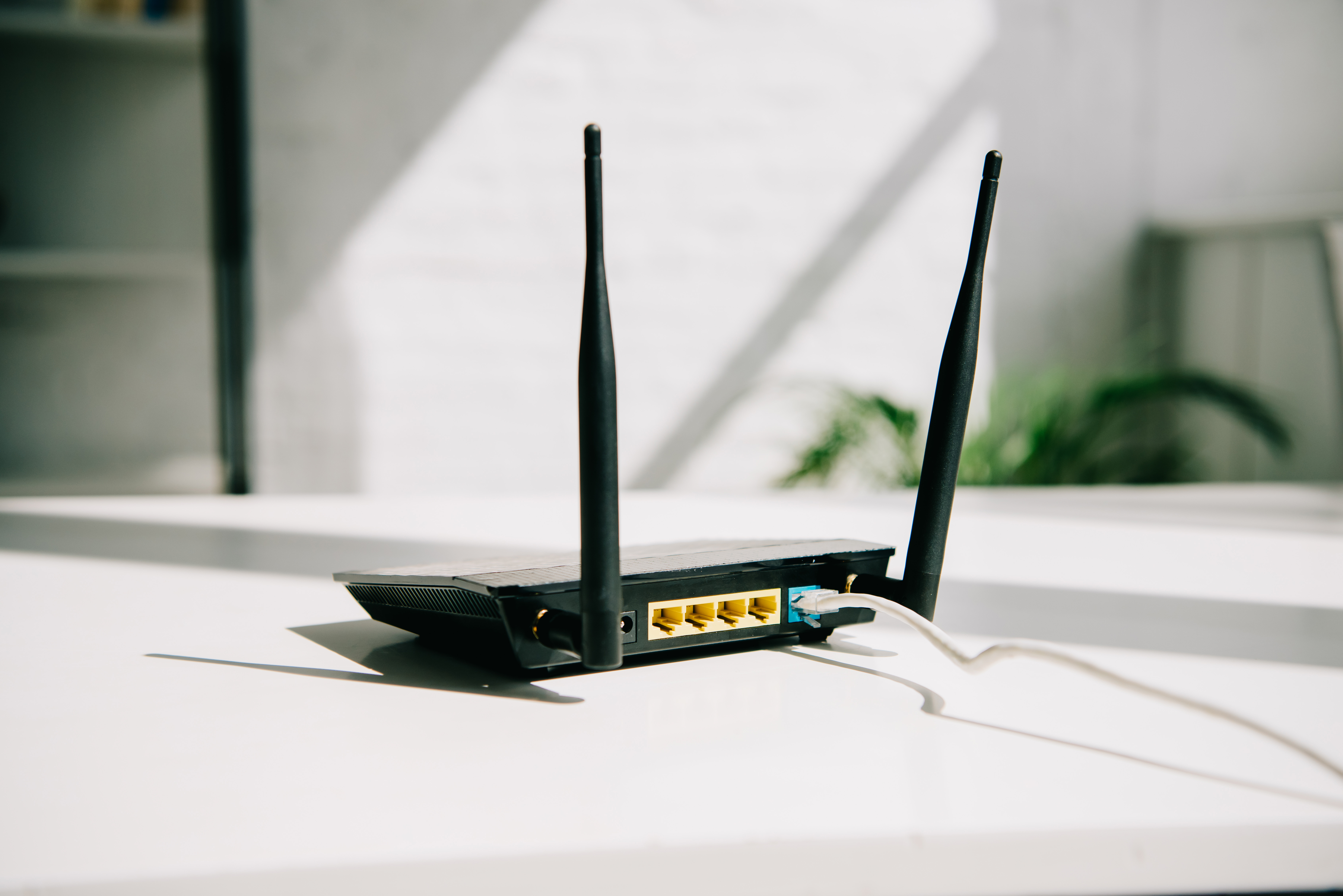
A few small changes in router placement can make your connection more dependable throughout the house.

Review a few basic router and account settings that can help protect your connected devices.

Use a few simple habits and built-in tools to make daily email easier to sort, search, and answer.
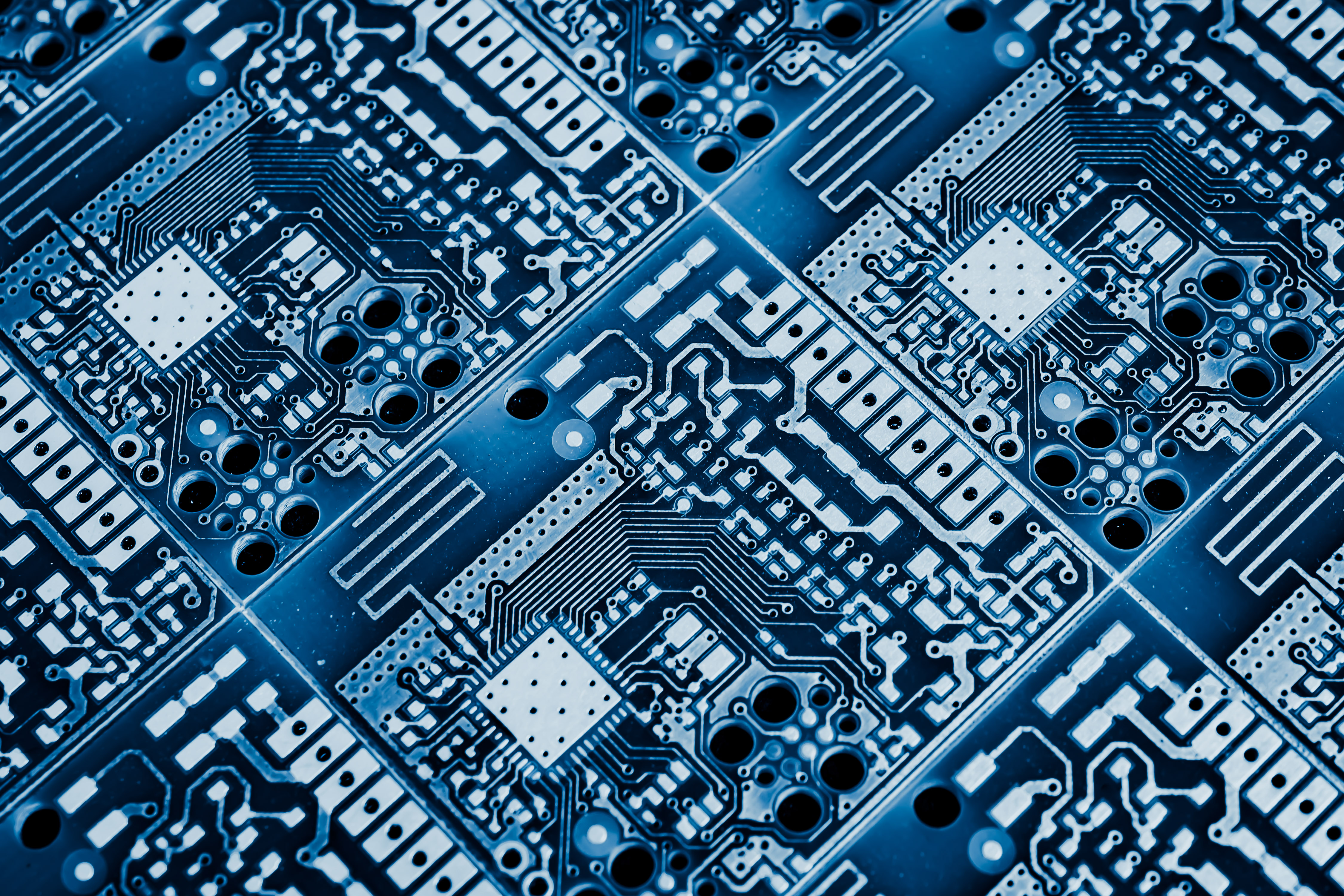
Get to know the main components in a desktop computer and how they work together.

A clear layout, consistent formatting, and a few careful edits can make a resume easier to scan.
Our newsletter brings practical tips and quick explanations together, so you can spend less time searching and more time getting things done.